Simple, Centralized Management
Centrally manage multiple LanTV devices through the web UI
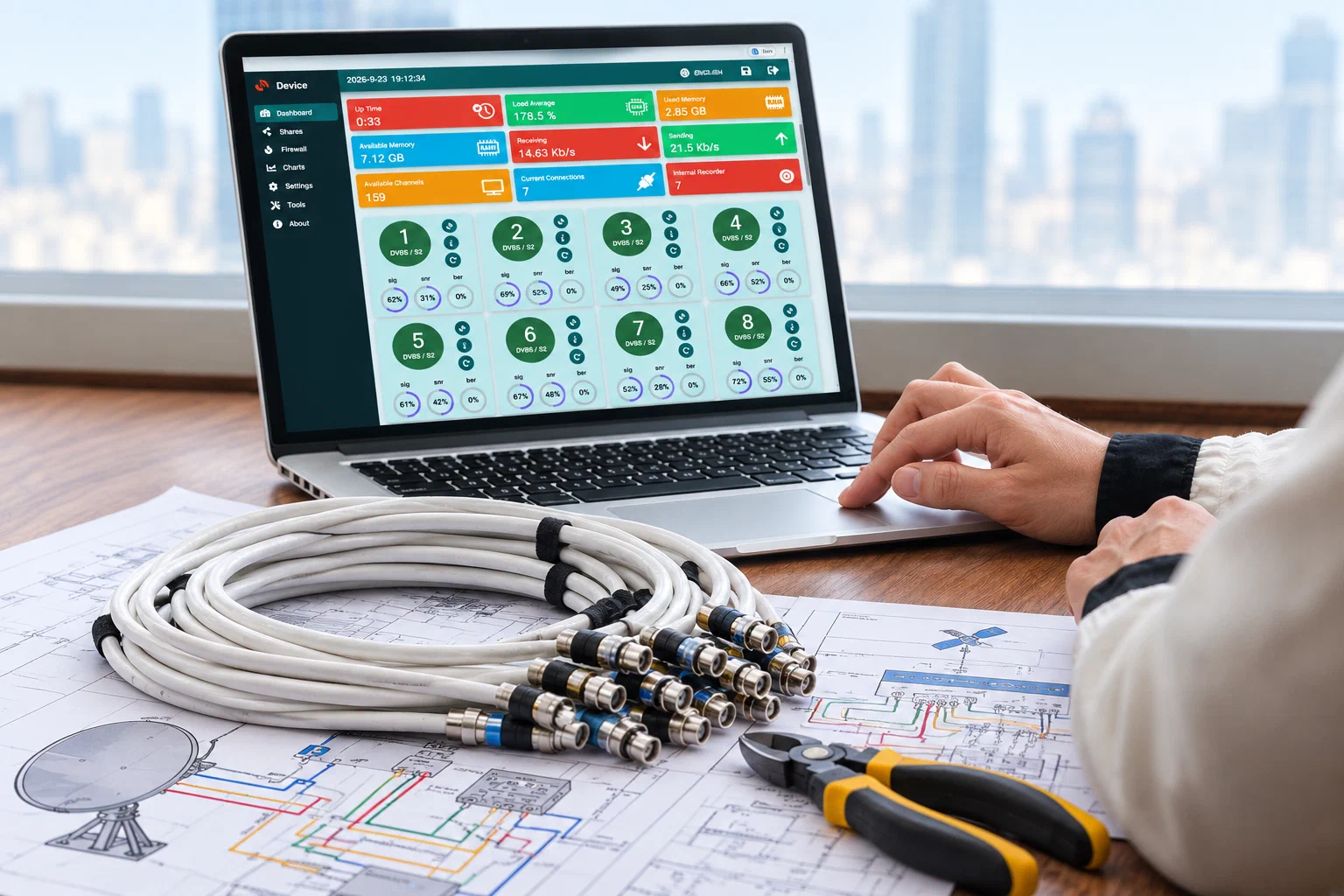
One of LanTV’s key features is centralized management of multiple LanTV devices through a web-based user interface (Web UI). Administrators can manage and monitor the system from a central location instead of having to visit each device.
When many TV reception and distribution devices are deployed across a site, managing each one separately can be time-consuming and complex. Visiting individual devices to change settings or check their status increases administration time and makes maintenance more difficult. LanTV reduces this complexity through centralized management.
Administrators can use the Web UI to manage device features, scan different inputs, and perform maintenance tasks such as backups. Dashboards and charts provide current and historical information about device and user status, and settings can be adjusted as needed.
Because management is browser-based, administrators are not tied to a dedicated management application installed on a particular computer. The interface is available over the network, making it easier to access from an appropriate administration workstation.
LanTV’s Web UI and centralized management architecture provide a unified environment for managing devices and TV services. By eliminating the need to visit each device physically, they make day-to-day administration, maintenance, and infrastructure expansion simpler and more consistent.